Admin
Paid Antivirus Is Hard to Justify for Most Windows Users
Based on reporting from Engadget
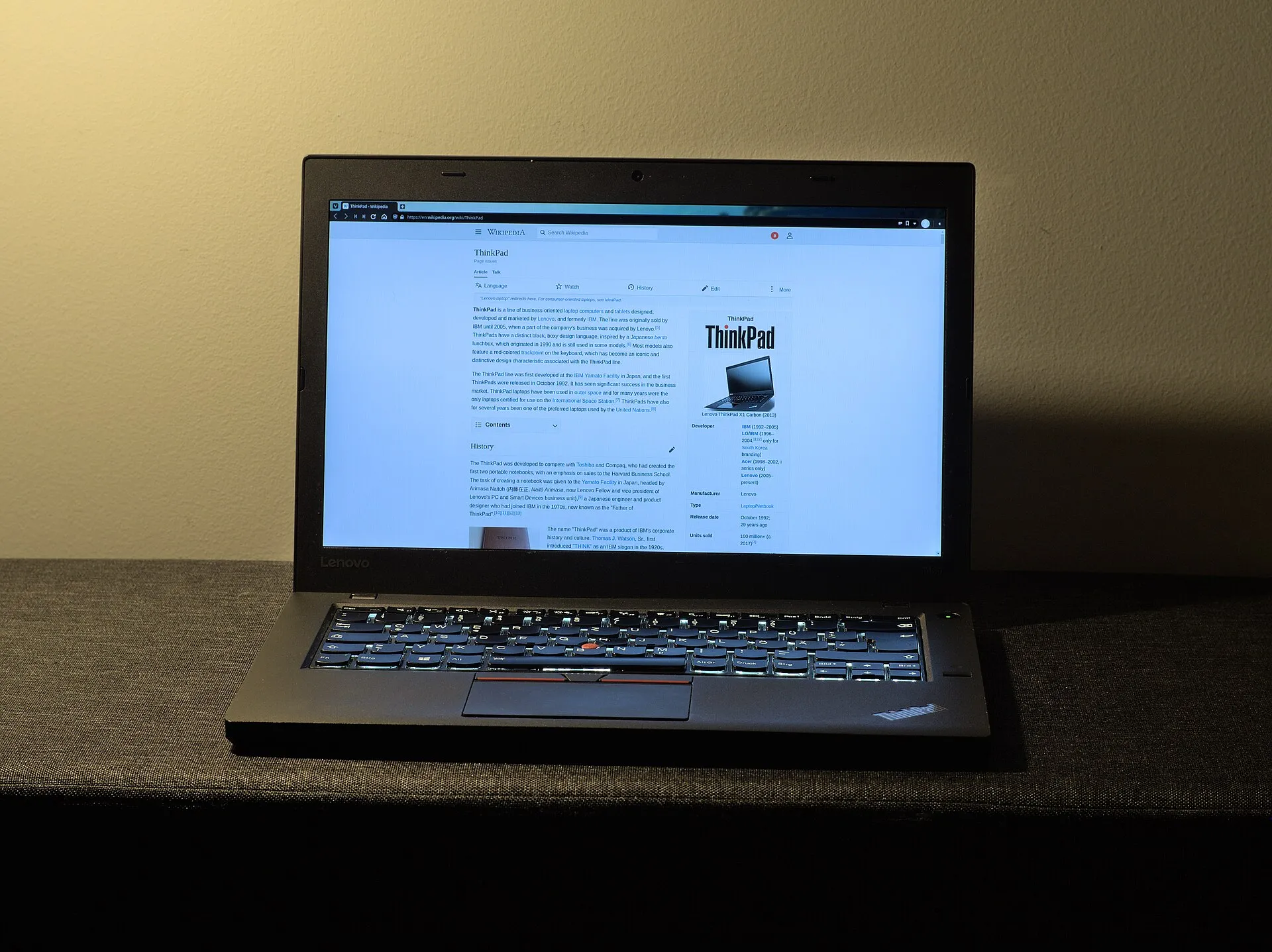
For most people, a paid antivirus no longer adds much on top of what Windows already ships with. That is the argument Engadget makes, and the numbers behind it are hard to ignore.
Microsoft Defender, the protection built into Windows, scored 0.5 out of 6 for protection quality in AV-Test’s May and June 2015 round. In July and August 2026 it scored a full 6, and it detected 100 percent of threats in both the real-world attack test and the widespread malware test. It scans files as you open them and updates its definitions on its own. If you install a third-party antivirus with real-time protection, Defender usually turns itself off.
What paid suites sell now is mostly the extras: a VPN, a password manager, parental controls, scam protection, and cloud backup. Norton 360 Deluxe, for example, includes a VPN, parental controls and 50GB of cloud backup, although Engadget’s reviewer found its VPN slower than competing ones. Paid scans can also cost performance. In Tom’s Guide testing, a full Malwarebytes Premium scan dropped Cyberpunk 2077 from 87 to 75 frames per second, while Bitdefender dropped it from 100 to 97.
My view is that an antivirus is not really necessary unless you are constantly browsing and opening sites you have not checked, or you receive a lot of notifications and emails. If you are not someone with a public profile and you do not handle sensitive information, it is practically unnecessary these days. What does help many people avoid malware is an ad blocker. CISA says ad blocking reduces the risk of receiving malicious ads or being redirected to malicious sites, and the FBI has recommended an ad blocker for searches. It is a layer, not a complete fix, because some malicious ads get through legitimate ad networks.
If you are a person of some relevance, or you keep a lot of sensitive data on your PC and tend to store your passwords there, a paid suite is a reasonable option, and in my view it is not an expensive one. Engadget lands in a similar place: pay only if you want the extras, or if you are protecting someone who struggles to spot scams.
Prices vary by plan and by year, so check the current price before you subscribe.