

Admin
MapQuest Will Show You Every Plate Reader on Your Route, and It Will Not Save You a Cent
Based on reporting from Engadget
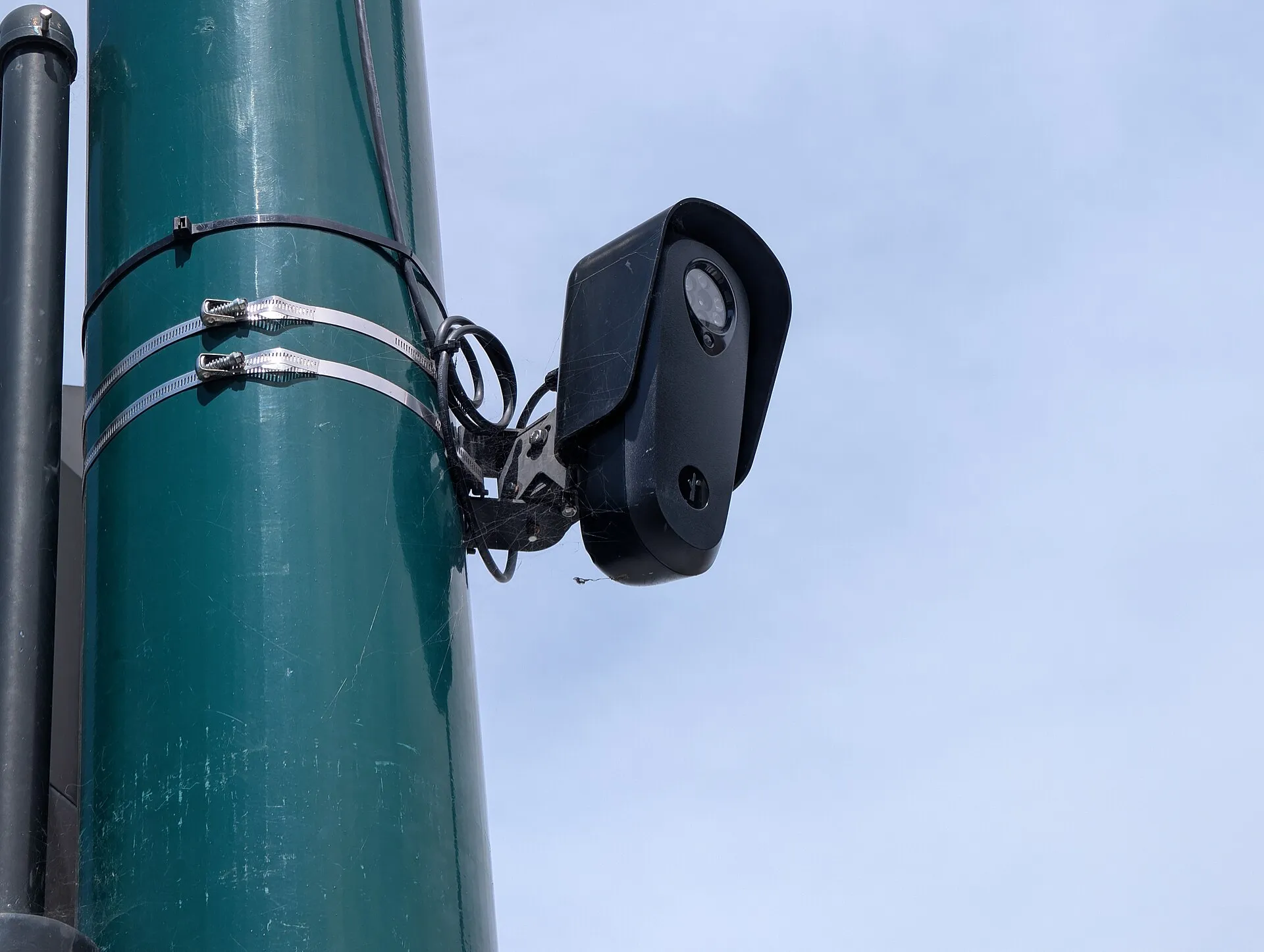
MapQuest added a layer you can switch on next to traffic and incidents. Turn it on and the map marks known outdoor surveillance cameras and automated plate readers, from Flock Safety and nine other brands, along the roads you drive. It is free and it is inside the app you already have.
I would switch it on the day I saw it, and my first thought was the wrong one. My first thought was that anything saving me money on tickets is worth having. It took one afternoon of reading to work out that is not what these cameras do, so let me save you the afternoon.
A plate reader is not a speed camera. A speed camera exists to produce a violation: it measures how fast you were going, photographs the car, and a notice arrives in the post. A plate reader photographs the plate and the vehicle, timestamps it, and files that away in a database police can search later. Flock has said its cameras do not currently measure speed. A Florida official put the contrast plainly: red light and school zone cameras issue notices of violation, while plate readers take a picture of the tag and the vehicle description, with no violation issued.
So this layer will not stop a ticket. What it tells you is where a record of your car gets created.
It is not nothing. There are cases of citations built on a Flock frame: Georgia State Patrol used its Flock network to ticket a motorcyclist for phone use, per 404 Media, and reporting says the company’s old language about not being for traffic enforcement has quietly gone. Analysts have also pointed out that timestamps from two camera locations can be used to work out a speed after the fact. That is a door standing open, not a camera clocking you at 80.
Which answers the question I was actually asked. Waze warning you about a radar and MapQuest marking a plate reader look like the same feature and they are not. One helps you avoid a fine. The other shows you where you are being logged.
So, do I turn it on? Yes, with the right expectation. Not as a radar detector. As a map of who is keeping a record of where my car goes, which is information I would rather have than not. Just do not let the layer talk you into thinking the fines are the problem here. The database is.
.jpg)