Admin
A New iPhone Spyware Needs One Thing From You: a Skipped Update
Based on reporting from 9to5Mac
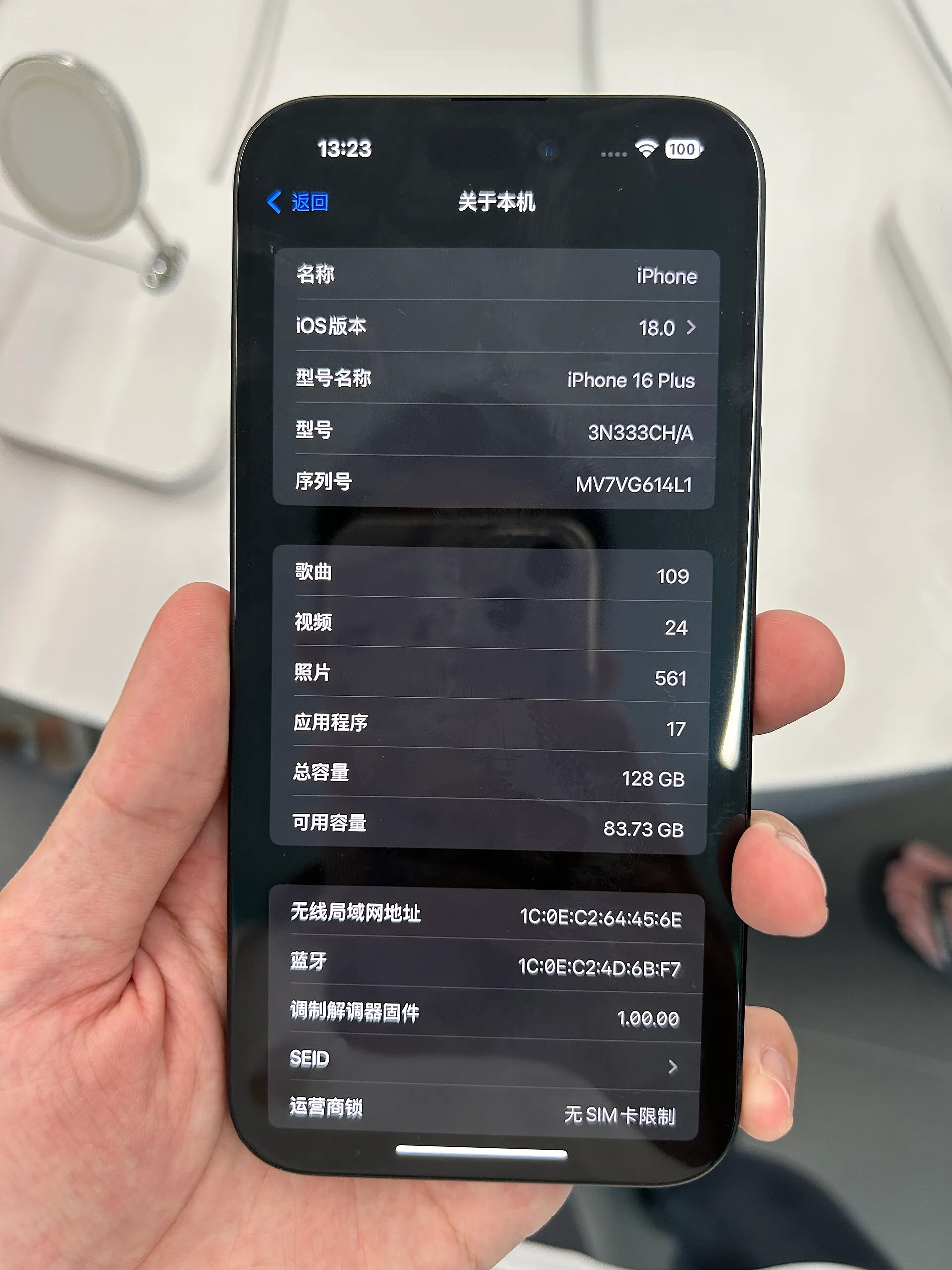
My verdict: this is not a reason to panic. It is a reason to stop pressing “Later” on security updates. I install them as soon as they show up, and this story is a good example of why.
Security firm iVerify has published a report on P7, a new variant of the DarkSword spyware. P7 is not a new hole in iOS. It is what the attackers install after the DarkSword exploit chain has already worked, and DarkSword goes after iPhones running iOS 18.4 through 18.7 that are missing Apple’s patches. According to iVerify, it spreads through malicious ads on compromised websites, so a victim does not need to be singled out or to install anything. Once inside, it extracts passwords from the Keychain, looks for crypto wallet data, and checks in with the attackers’ server every 15 seconds by default. iVerify found it while investigating an infected iPhone that belonged to an employee of a financial institution.
Apple has already closed the holes DarkSword depends on. The fix for iOS 18 shipped in iOS 18.7.7, and Apple has kept releasing security updates for much older versions too, such as iOS 15.8.7 and iOS 16.7.15. In other words, the phones at risk are the ones whose owners kept postponing.
Why I do not postpone: security updates exist for security, and today almost everything we have lives on the phone. That is my reading, not a statistic, but I doubt many people reading this keep their passwords, banking apps and photos anywhere else.
On the patches for iOS 15 and 16, some people see them as proof that Apple keeps shipping broken software. I see it differently. Vulnerabilities will keep appearing. What we considered secure a few months or a few years ago turns out not to be, as the technology advances. That is not going to stop. What matters is whether the company keeps fixing devices it sold years ago, and here Apple does. I appreciate that.
What to do: open Settings, then General, then Software Update, and install whatever is waiting. The full technical detail is in the 9to5Mac report and in iVerify’s own write-up. Go and read them yourselves.