Admin
Binance, Not Apple, Warned iPhone Users About a Flaw That Exposes Wallet Keys
Based on reporting from 9to5Mac
The most serious iPhone security story of the week came from a crypto exchange, and Apple still has not said a word about it.
On November 10, Binance warned its iPhone users about worse_query, a sandbox escape that lets a malicious app read local files belonging to other apps. In Binance’s words, that puts seed phrases, private keys and login credentials at risk. The technique was published on GitHub on November 8 by a researcher who posts as forcequitOS. It needs no jailbreak, and other developers have already turned the code into a file browser that opens other apps’ data.
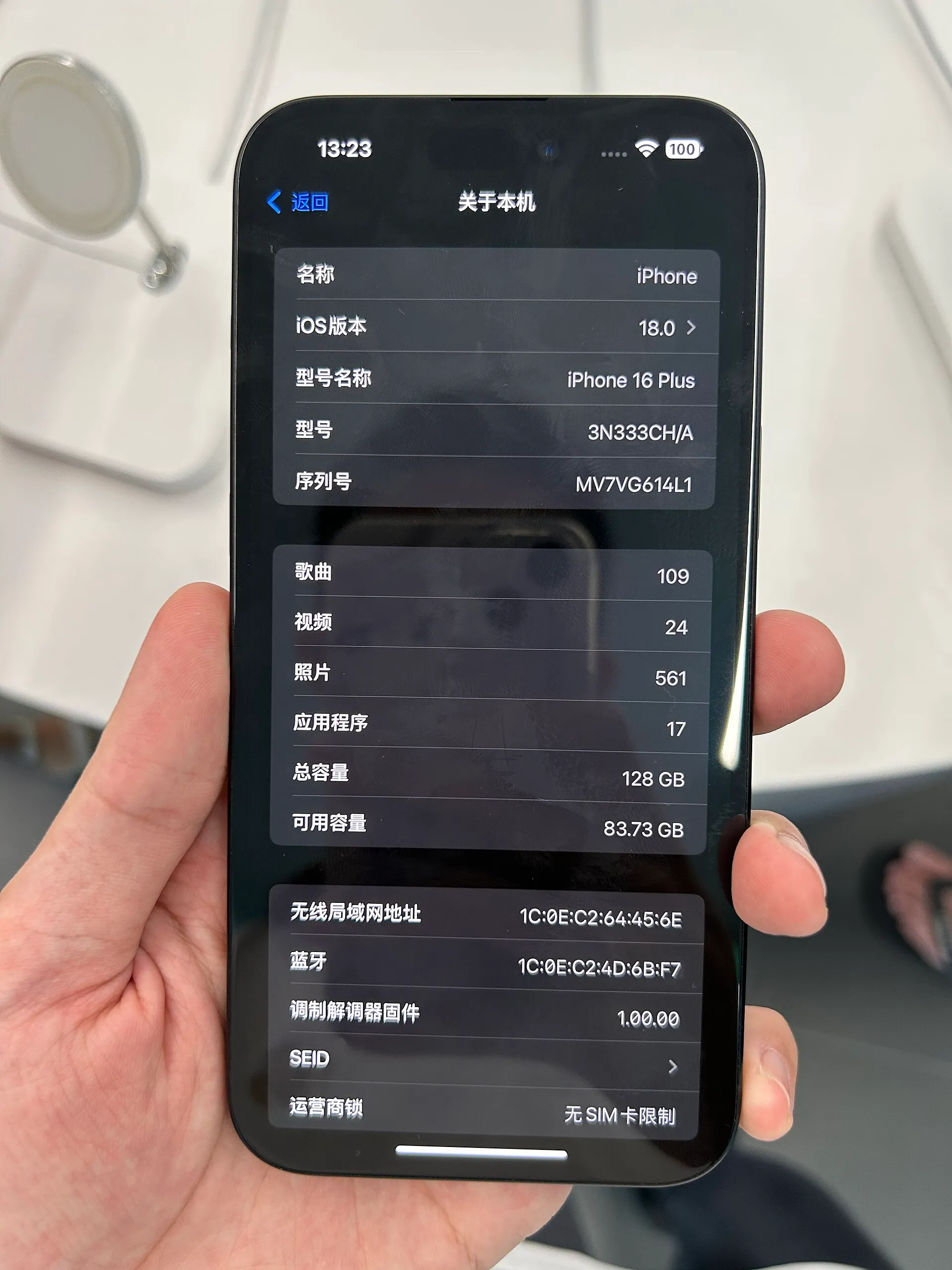
Binance lists iOS 26.7.1, 27.0.1 and 27.2 as affected. The researcher’s own documentation covers a wider range: iOS 26.0 through 26.7.2, plus 27.2. Apple shipped iOS 27.2.1 and 26.7.3 on November 9, and neither security note mentions worse_query. The researcher says 27.2.1 and the first 27.3 beta are still vulnerable, while one security firm says 27.2.1 blocks the technique. Apple has confirmed neither claim.
I find it strange that an exchange had to be the one to tell people. This is a serious flaw. A leaked game save is an annoyance, while a copied seed phrase means the wallet is gone, and deleting the app afterwards does not bring that phrase back. Binance talks about login credentials in general; my guess is that banking apps sit in the same risk group. If Apple does not fix this quickly and say so in public, it will have a real trust problem with exactly the people who keep money on their phones.
I keep crypto apps too, all set up with several confirmation steps. That helps against a stolen password. It does nothing for a seed phrase that has already been copied.
Binance says it has no confirmed reports of theft tied to the flaw so far. Its advice: delete apps from untrusted sources (sideloaded or manually signed ones), update iOS and every app to the latest official version, and if you suspect a breach, move funds to a new wallet created on a clean device and reset all active logins.