Admin
Google Is Attaching Your Phone Number to Every Account on Your Android Phone
Based on reporting from Engadget
This is not a scandal, but it should have been an option instead of a default.
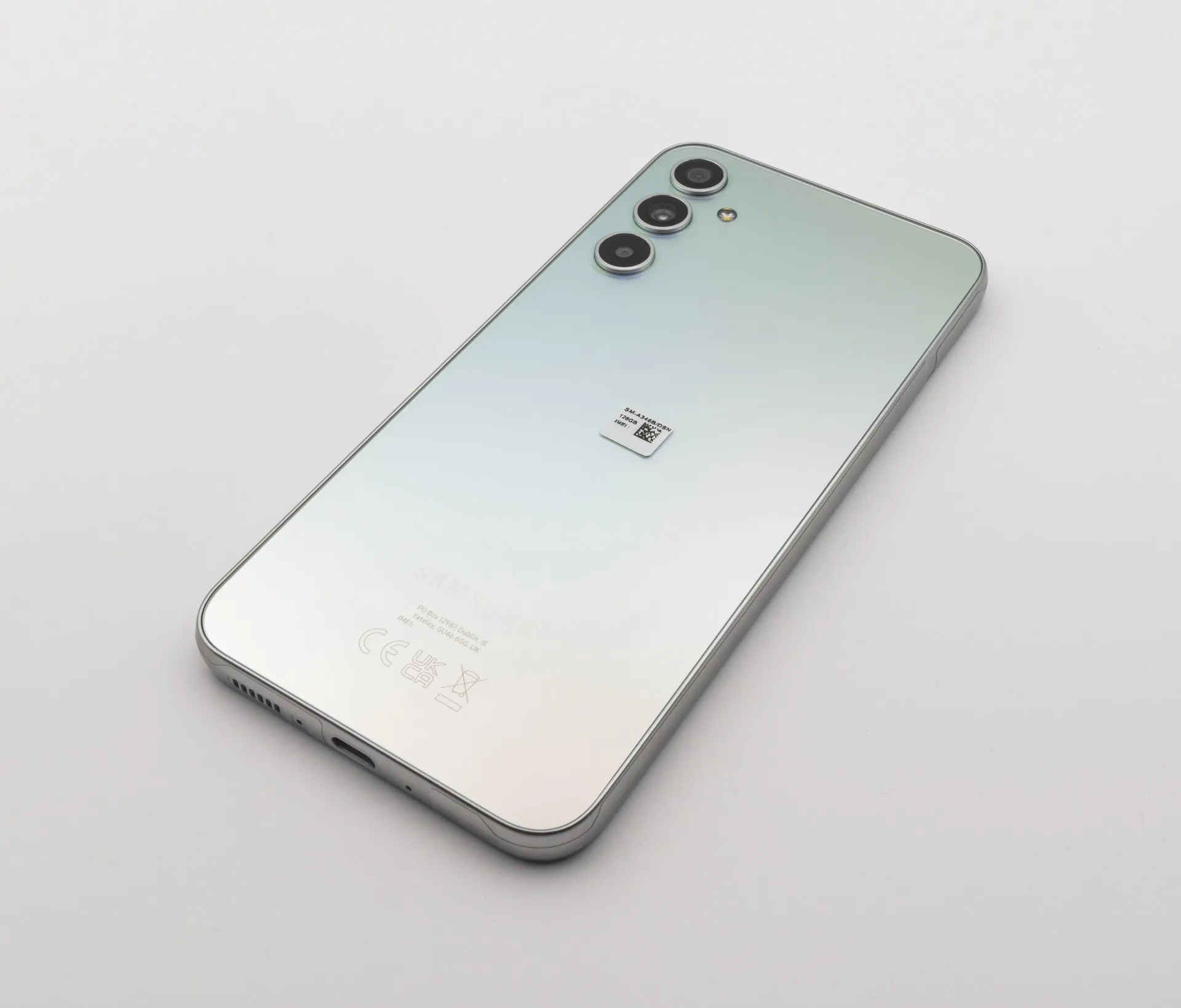
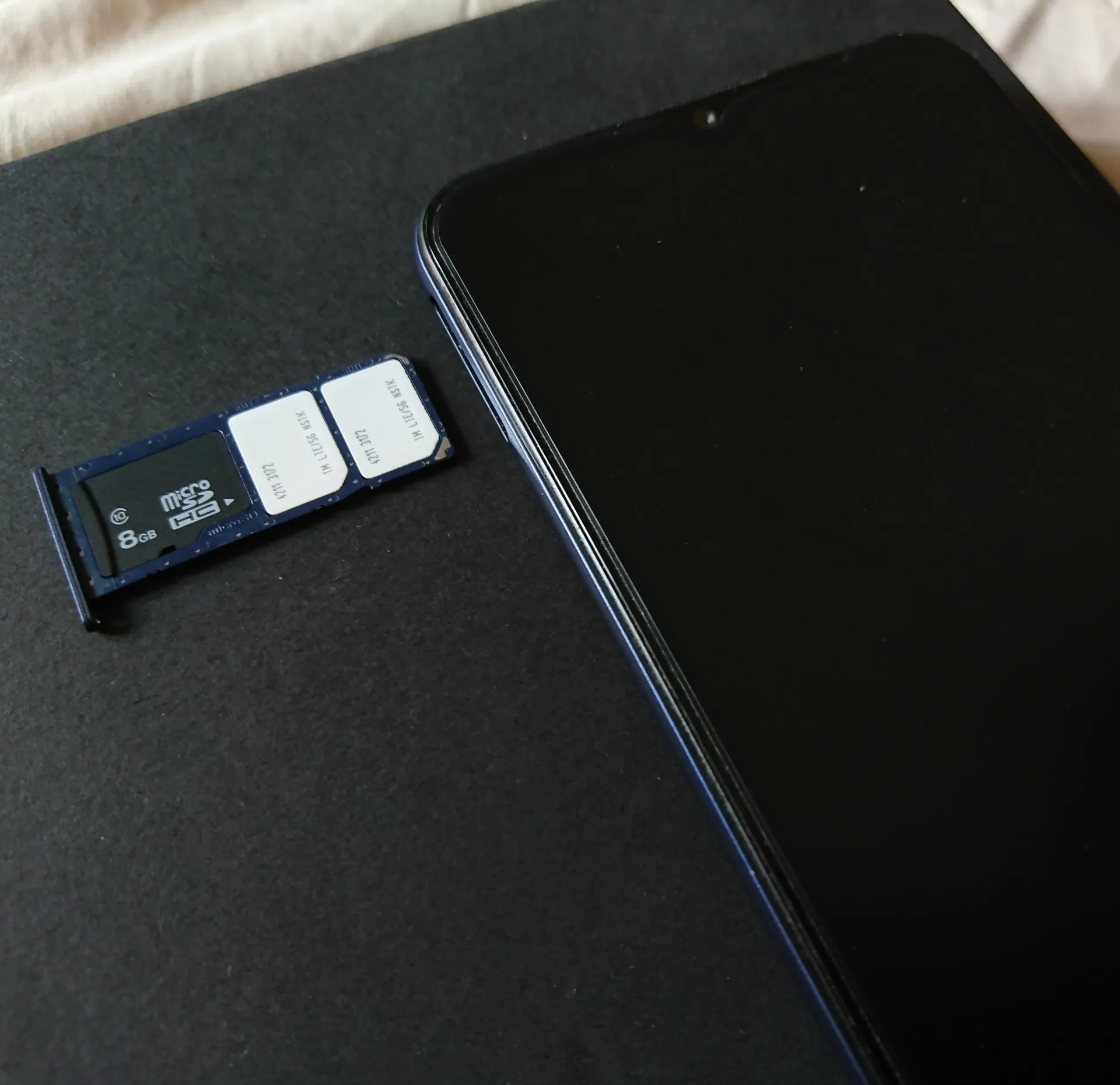
Android now verifies the number of the SIM in your phone and attaches it to every Google account signed in on the device. That includes secondary and work accounts, and it applies to accounts and numbers you add later. Google’s own support pages say the verification runs automatically during setup. They also say it supports account recovery and RCS messaging, but they do not explain why the number has to land on every account.
The change is not new. Android Authority found that Google’s documentation was edited between August and October 2025 to say verification is on by default, and a Google Play services changelog dated September 8, 2025 lists it as running automatically. Many people only noticed recently, after unprompted emails from Google confirming a verified number.
You can turn it off under Settings, Google, All services, Privacy & security, Phone number verification, by switching off “Verify phone numbers automatically”. On some phones the Google section is labeled “Google services and preferences”. Turning it off does not remove numbers that are already attached. Those have to be deleted by hand under Personal info in each account’s settings.
There is a cost. Google’s Messages help pages say RCS waits for number verification before it connects, and Kaspersky reports that switching verification off means RCS chats fall back to SMS. An unverified number also cannot be used for quick account recovery. Google says it does not sell personal data, phone numbers included.
In my view this is not a real privacy problem, because most of us are already deep inside Google’s system. I would still make it something you switch on, not something you have to find and switch off. I am not turning it off myself, since I see no reason to. I also do not see the full picture of who this would bother, so I will not pretend to speak for them.
If you do want it off, check the setting on each phone you own, then go through your accounts for numbers that are already attached.