Admin
Three Free HomePod Features, and the Good One Needs a New Apple TV
Based on reporting from 9to5Mac
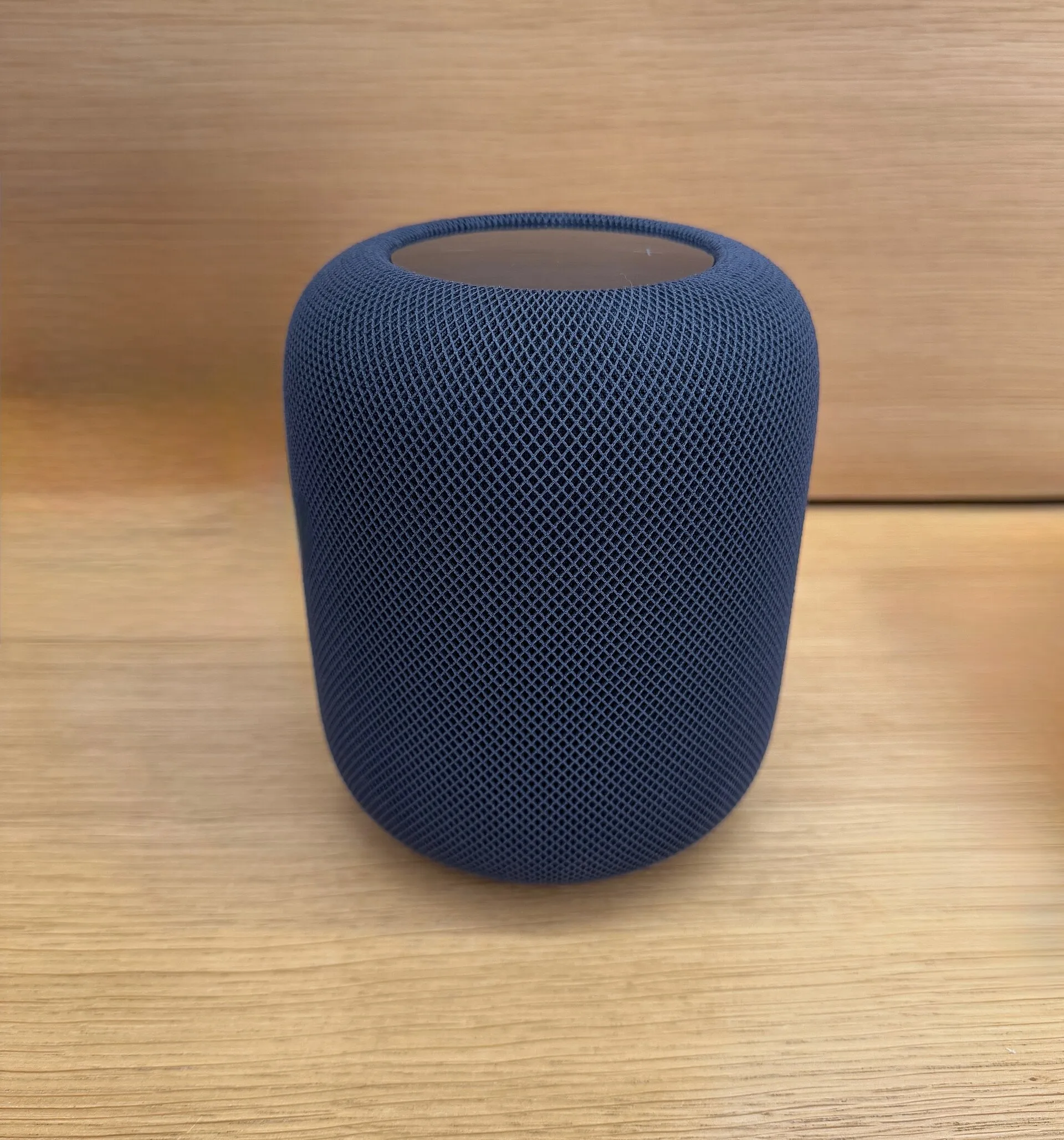
Apple is about to update the full size HomePod, the second generation one that is still on sale, with three things it did not do before. Lights on top that pulse along with the music using the colours of the album art. The option to make it the default audio output for a Mac. And proper surround sound from four HomePods around the television. No charge, expected with the software update at the end of the month, although Apple has not given a date.
Two of those three are list filler. Lights that throb in time with your music is a party trick, and if that is the feature that sells you a speaker you were going to buy a speaker anyway. Default output for a Mac is fine, it is a settings toggle someone should have shipped in 2023, and describing it as a new feature is generous.
The surround setup is the real one, and this is where it gets interesting.
Four HomePods around the TV, two matching in front and two matching behind, is a genuine upgrade to hardware you already own. I am all for that: it is a feature designed for the new stuff that got handed to the old stuff, which is the opposite of how this usually goes.
Then you read the requirements. It needs the fourth generation Apple TV 4K, the one announced in October. The 2022 box cannot do it, even though it already drives a stereo pair of the same speakers. Apple has not said why. I assumed the limit would be in the speakers, something about what the HomePod can process, and it is not. The HomePod 2 and the HomePod mini 2 are both on the supported list. The thing standing between you and surround sound is the box under the TV.
So the free update, for anyone with a 2022 Apple TV, is the throbbing lights and a Mac setting. If you own two HomePod 2s already, getting to four plus the new box is about $597 at US prices. Four HomePod 2s and the new Apple TV is $1,695.
This is the pattern I complain about every time, and it is worth naming when it shows up in something advertised as free: the hardware you own can do the job, and the capability arrives locked behind a purchase. Maybe there is a real technical reason inside that new box. Apple should say what it is, because right now the only visible difference between can and cannot is a model year.