Admin
Amazon Built a Tablet Worth $500. The Android Apps Have Not Caught Up.
Based on reporting from Engadget
My verdict: the hardware is worth what Amazon charges for it, and I am still not buying one until the Android apps behave on a screen this size.
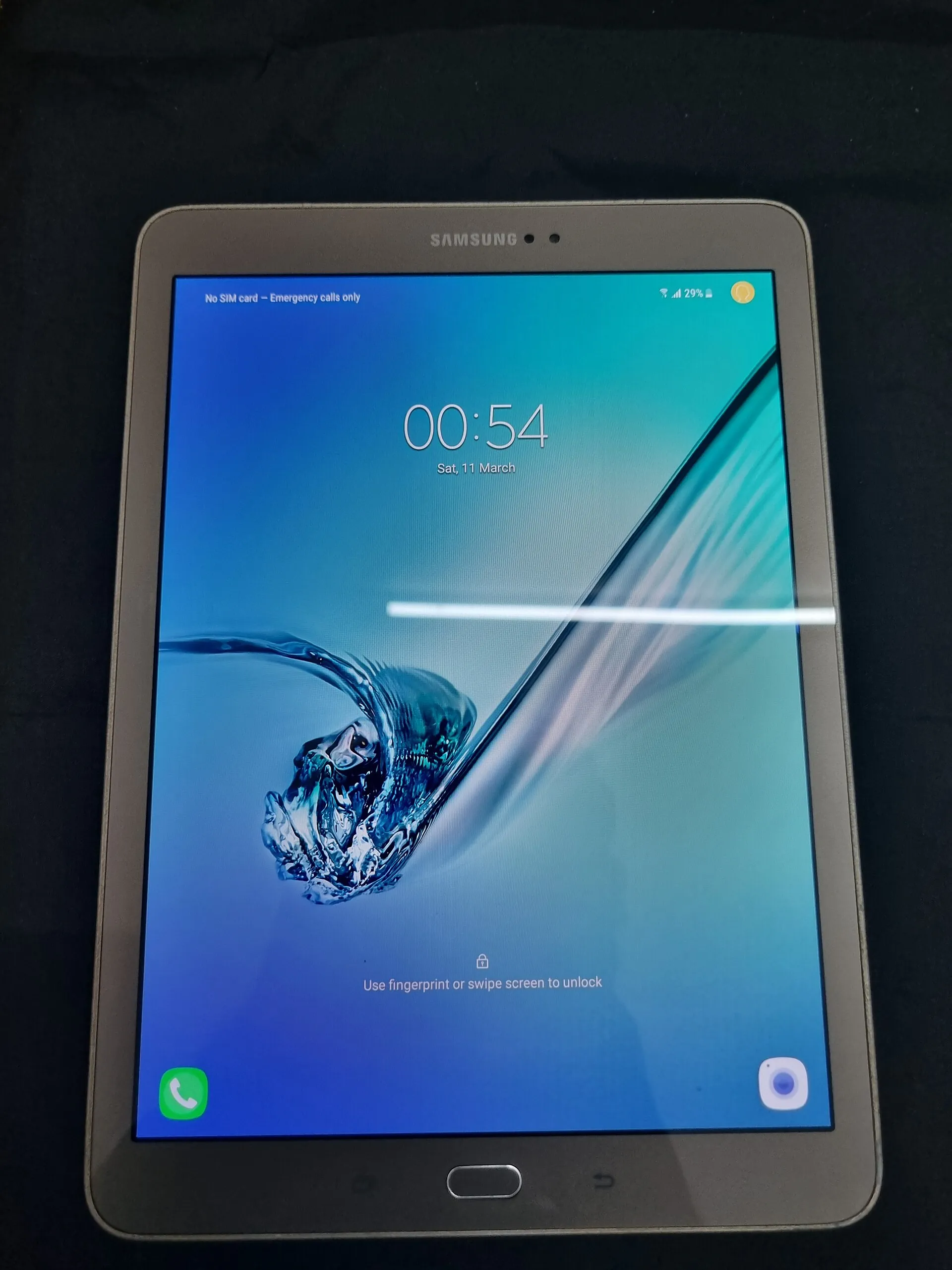
Engadget has published a full review of the Alexa Tablet 12 Pro and scored it 8.4 out of 10. The base model starts at $499 with 8GB of RAM and 128GB of storage. The reviewed unit, with the anti-glare nanomatte screen, costs $550. Inside there is a MediaTek Dimensity 8400, a 12-inch 120Hz display at 2,800 by 1,840, an aluminum body and a single USB-C port. No headphone jack. For comparison, Engadget puts the iPad Air at $750 or more before accessories.
The problem is the feature Amazon is selling hardest. This is the first Amazon tablet with the Google Play Store, and according to the review, many Android apps still look like a phone app stretched to fill the screen. Slack, for example, will not show your channel list and a conversation side by side. Google’s own apps, which Google rebuilt for large screens, work well. Third-party apps are hit or miss.
Is that fatal? I do not think so. It is a software problem, and my bet is that software problems get fixed eventually. The components are the part that cannot be patched later, and on paper they justify the price. That is where I look first.
It is still a hard thing to ignore. Half of the pitch here is “real Android apps”, and that half is not ready. I understand anyone who stops right there, because I stopped there too. This one is on my list for when the app problem is solved, not before.
If you are comparing it with a Google or Samsung tablet at the same price, ignore the logo. Check what is inside each one and whether you are getting the equivalent of what you pay for. Then look at how the apps you actually use behave on a big screen. I have not used this tablet myself, so read the full review and check the current price before you decide.